
A top-down view of a minimalist desk with a laptop, a calcul
Toolkit Guide 2024

Which tool actually works?

"I spent three weeks testing every app so you don't have to. Here is my honest, slightly panicked take on bookkeeping."

The Great Spreadsheet Struggle

When I first started freelancing in Quebec, I thought I could handle everything with a simple notebook. Oh, how wrong I was! Within a month, my desk was buried under a mountain of Tim Hortons receipts and confusing bank statements. Did I pay that GST? Where is the invoice for that client in Montreal? I realized very quickly that "winging it" is a recipe for a massive headache come tax season.

I started looking for software, but the options were overwhelming. Some looked like they were built for NASA, while others were so simple they didn't even track sales tax properly. It turns out, choosing a tool isn't just about the price; it's about whether it understands the specific quirks of the Canadian tax system. If you haven't checked out the registration basics, do that first before picking a tool!

"The best software is the one you actually use every Sunday night instead of scrolling through social media."

I learned that the hard way. I paid for a fancy subscription and didn't log in for three months. Imagine my surprise when I had to reconcile 200 transactions in one sitting! Now, I look for tools that automate the boring stuff, like syncing with my bank account and auto-categorizing my morning lattes as "office expenses" (okay, maybe not the lattes, but definitely the printer ink).

Comparison Matrix

Software vs. Reality

Tool Name Best For Complexity Monthly Cost
QuickBooks Full-time freelancers with many clients High (Learning curve!) $22 - $60 CAD
FreshBooks Service providers who love pretty invoices Low (Very friendly) $20 - $35 CAD
Wave Accounting Absolute beginners on a tight budget Medium Free (Mostly)
Excel / Google Sheets Control freaks and math wizards Extreme (Manual labor) $0 CAD

Note: Prices are approximate and can change. Always check for "New Business" discounts which are usually around 50% for the first few months!

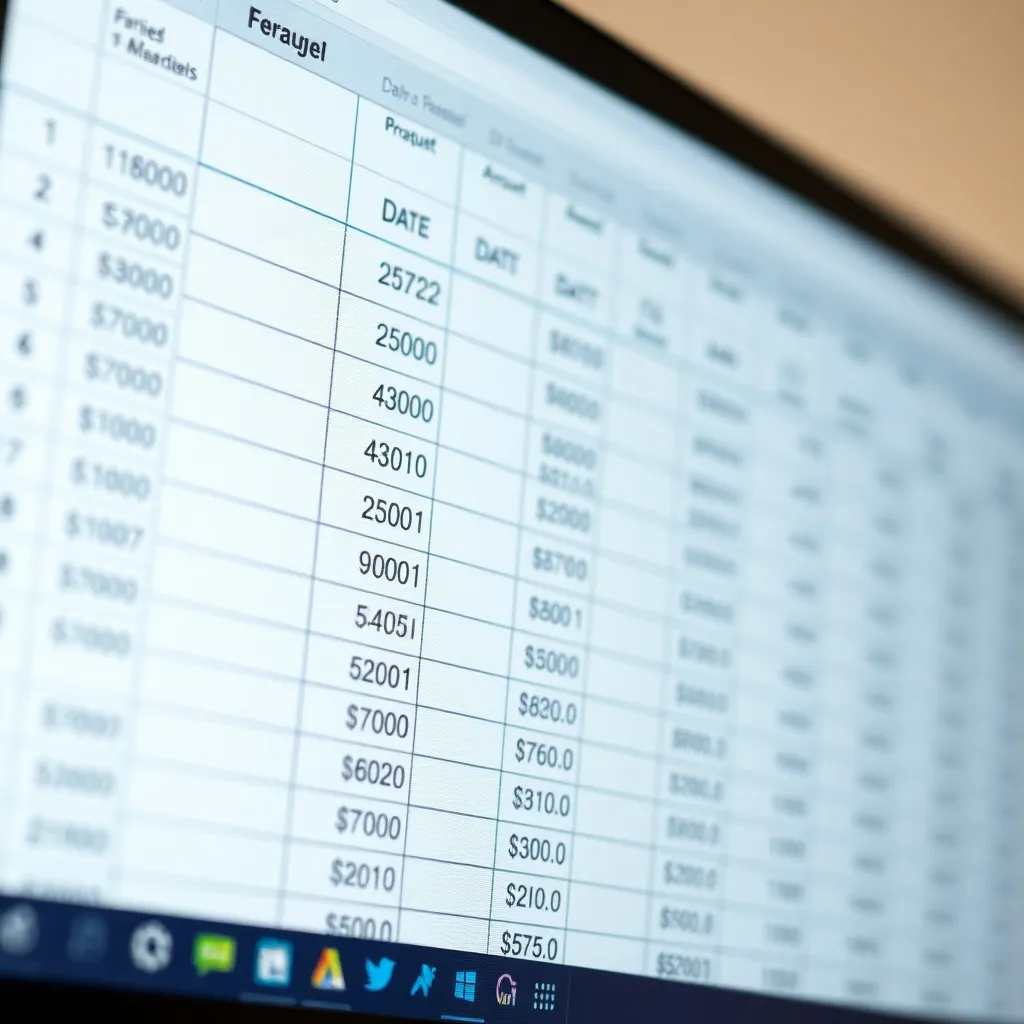
A close up of a computer screen showing a clean, organized s

The "Do It Yourself" Template

If you aren't ready to commit to a monthly subscription, you can definitely start with a spreadsheet. I did this for my first six months! It helps you understand exactly where your money is going. You'll need columns for:

  • Transaction Date (The actual day you spent the money)
  • Category (Refer to deductible expenses)
  • GST/HST and QST amounts (Keep these separate!)
  • Payment Method (Personal vs. Business card)

Warning: Spreadsheets don't have "error protection." One wrong formula and your whole tax year could look like a disaster. Be careful out there!

Separate Your Life

The absolute biggest mistake I made was using my personal bank account for business. It was a nightmare! Imagine trying to find a $15 software subscription among grocery bills and Netflix payments. Never again.

Learn about sales tax →

The "Tax Pot" Method

Every time a client pays me, I immediately move 25% of that money into a separate savings account. It's not my money; it's the government's money. This way, when the CRA comes knocking, I'm not scrambling for cash.

Check filing dates →

USD vs. CAD Drama

If you have US clients, use a tool like Wise or a dedicated USD account. Currency exchange fees will eat your profit alive if you aren't careful. I lost nearly $400 in fees my first year just by being lazy!

Quebec tax info →
Subscribe to our newsletter

Only essential content — no spam.

Statistics for Context

The Reality of Freelance Finance

82%

Small businesses fail due to cash flow issues

15+

Hours saved per month using automation

$0

Cost of basic Wave Accounting plan

6yrs

How long you must keep your receipts in Canada

Ready to stop guessing?

I know it feels scary, but once you set up your system, it takes maybe 20 minutes a week. Don't wait until April to figure this out. Your future self will thank you for being organized today!